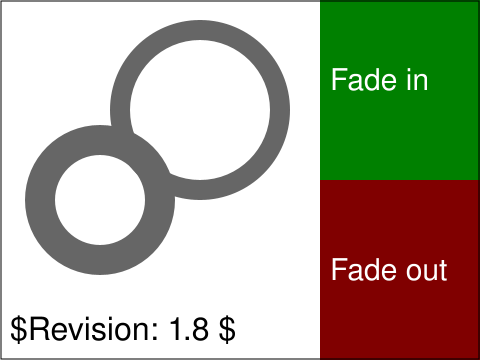
W3C reference (context only, see #200)
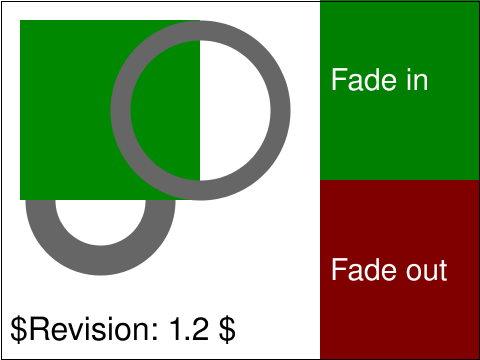
Foxglove
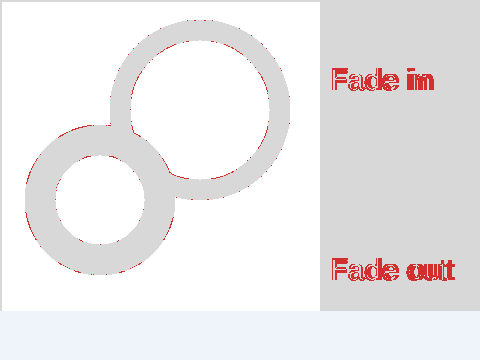
Difference
<text id="revision"> legend every test carries: it renders in a fallback font this
library cannot match, so it is excluded from the comparison entirely rather than failing every test.
The first time you select the link 'fade in', you should see a green square appearing, gradually and smoothly fading from zero to 100% opacity over the course of three seconds. This square is in front of and thus obscures the lower left circle, but is behind the upper right circle which is thus composited on top of the animated green square. Then, when you click on "fade out", the green square will gradually disappear, smoothly fading from 100% to zero opacity over the course of three seconds. The rendered picture should match the reference image, (except for possible variations in the labelling text (per CSS2 rules)) after activating the link on the fade-in button the first time and waiting three seconds for the animation to complete. The picture should remain looking the same way indefinitely, until another link is activated.
