W3C reference (context only, see #200)
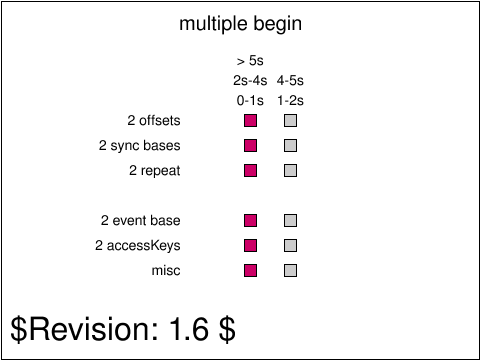
Foxglove
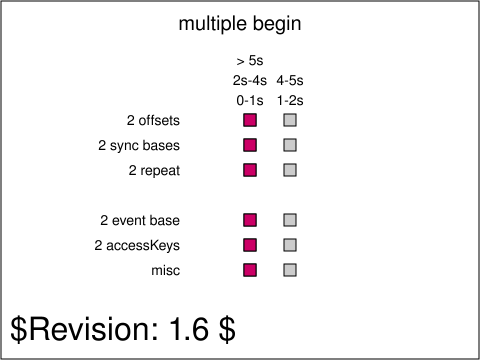
Difference
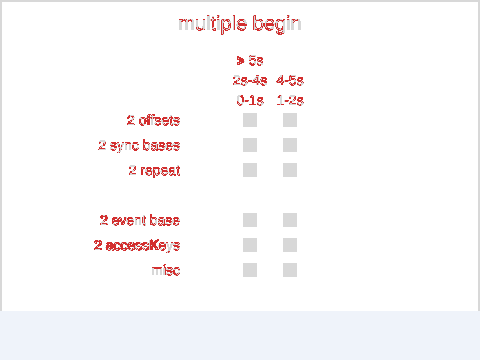
<text id="revision"> legend every test carries: it renders in a fallback font this
library cannot match, so it is excluded from the comparison entirely rather than failing every test.
The test passes if all of the following conditions are met: The red squares in the top three rows and the bottom row are in the relevant column according to the times written above the columns: in left column for the first second of the document, in the right column between 1s and 2s, in the left column again between 2s and 4s, in the right column again between 4s and 5s, and finally revert to the left column at 5s. Once the red square in the "2 event base" row is clicked, it must follow the same movements as the earlier animated squares, except that the times above the columns indicate offsets from the time of the click, rather than from the start of the document. Thus, the red square must be in the left column in the first second after being clicked, in the right column between 1s and 2s after being clicked, in the left column again between 2s and 4s after being clicked, in the right column again between 4s and 5s after being clicked, and finally must revert to the left column 5s after being clicked. Once the "a" key is pressed, the red square in the "2 accessKeys" row must follow the same movements as the first set of animated squares, except that the times above the columns indicate offsets from the time of the keypress, rather than from the start of the document. Thus, the red square must be in the left column in the first second after the keypress, in the right column between 1s and 2s after the keypress, in the left column again between 2s and 4s after the keypress, in the right column again between 4s and 5s after the keypress, and finally must revert to the left column 5s after the keypress.
